Trigger / Input
User opens http://127.0.0.1:4180/index.html.
This client-demonstration pack documents the real implemented workflows in the static website: language settings, search recommendations, voice commands, video commands, automated consequence management, examples, training, shortcuts, contact capture, mobile navigation, and verification handover.
Show the user the live autonomous status, language layer, command controls, and consequence queue from the first screen.
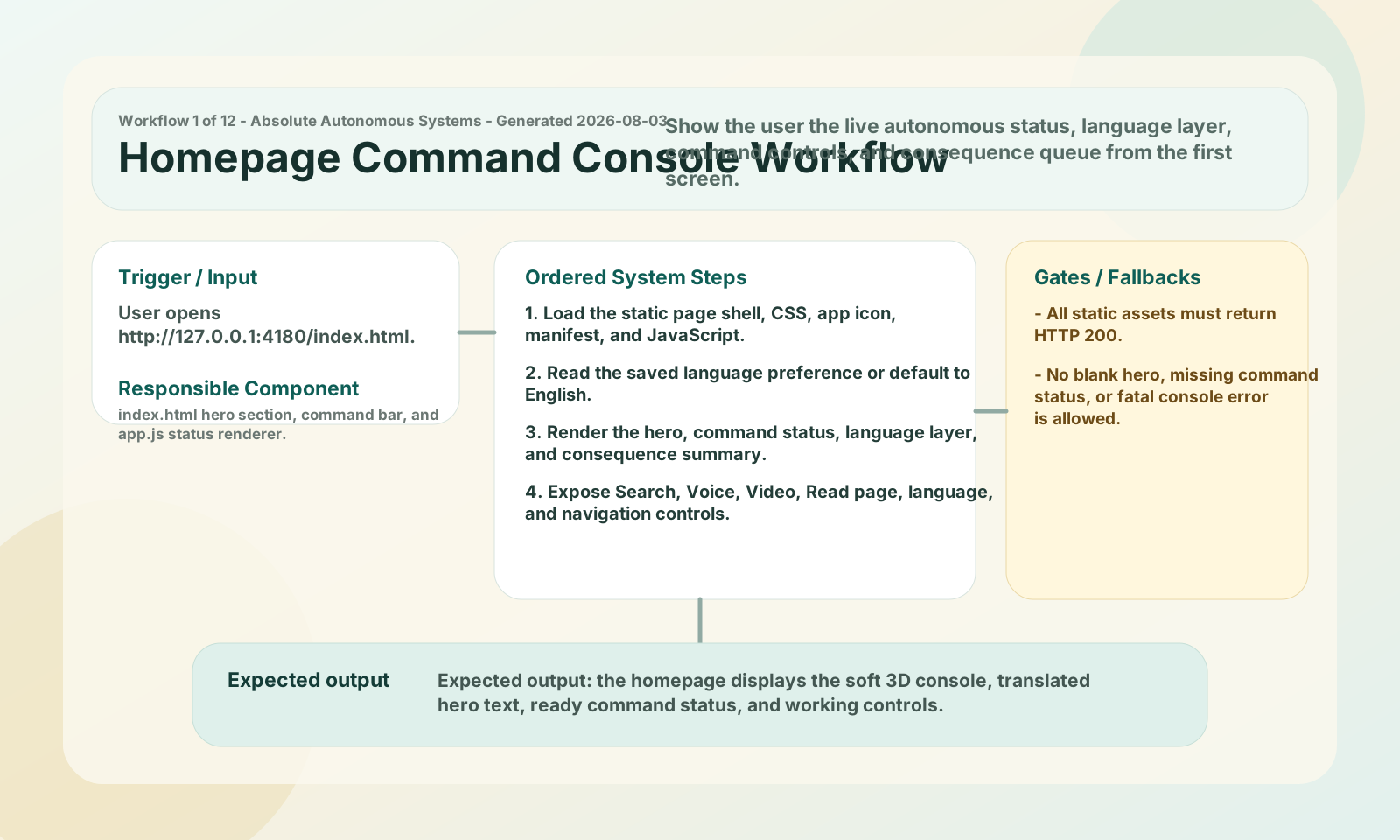
User opens http://127.0.0.1:4180/index.html.
index.html hero section, command bar, and app.js status renderer.
Expected output: the homepage displays the soft 3D console, translated hero text, ready command status, and working controls.
Adapt every implemented screen section and dynamic component to the selected South African language.
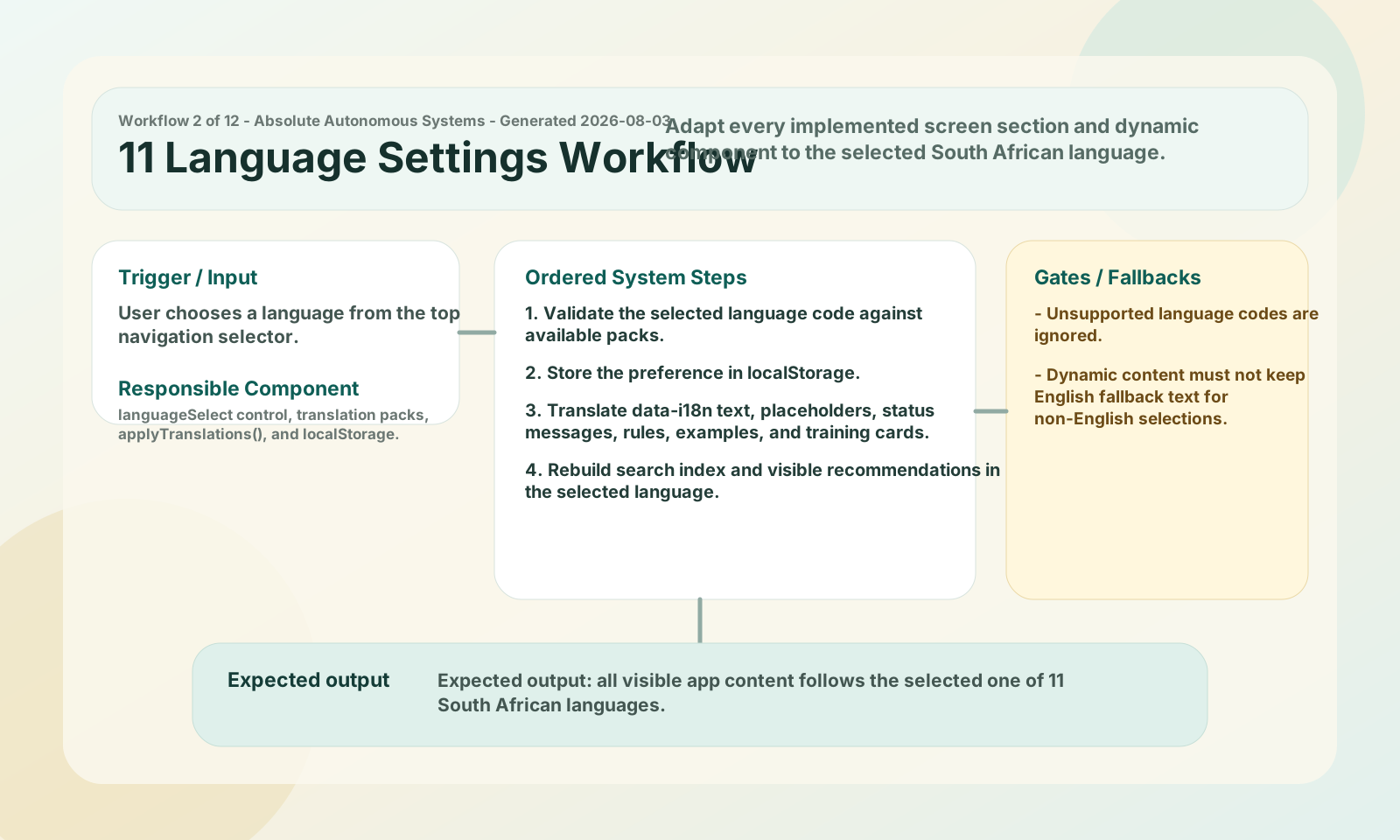
User chooses a language from the top navigation selector.
languageSelect control, translation packs, applyTranslations(), and localStorage.
Expected output: all visible app content follows the selected one of 11 South African languages.
Recommend searchable subjects from sections, examples, and training content across the whole app.
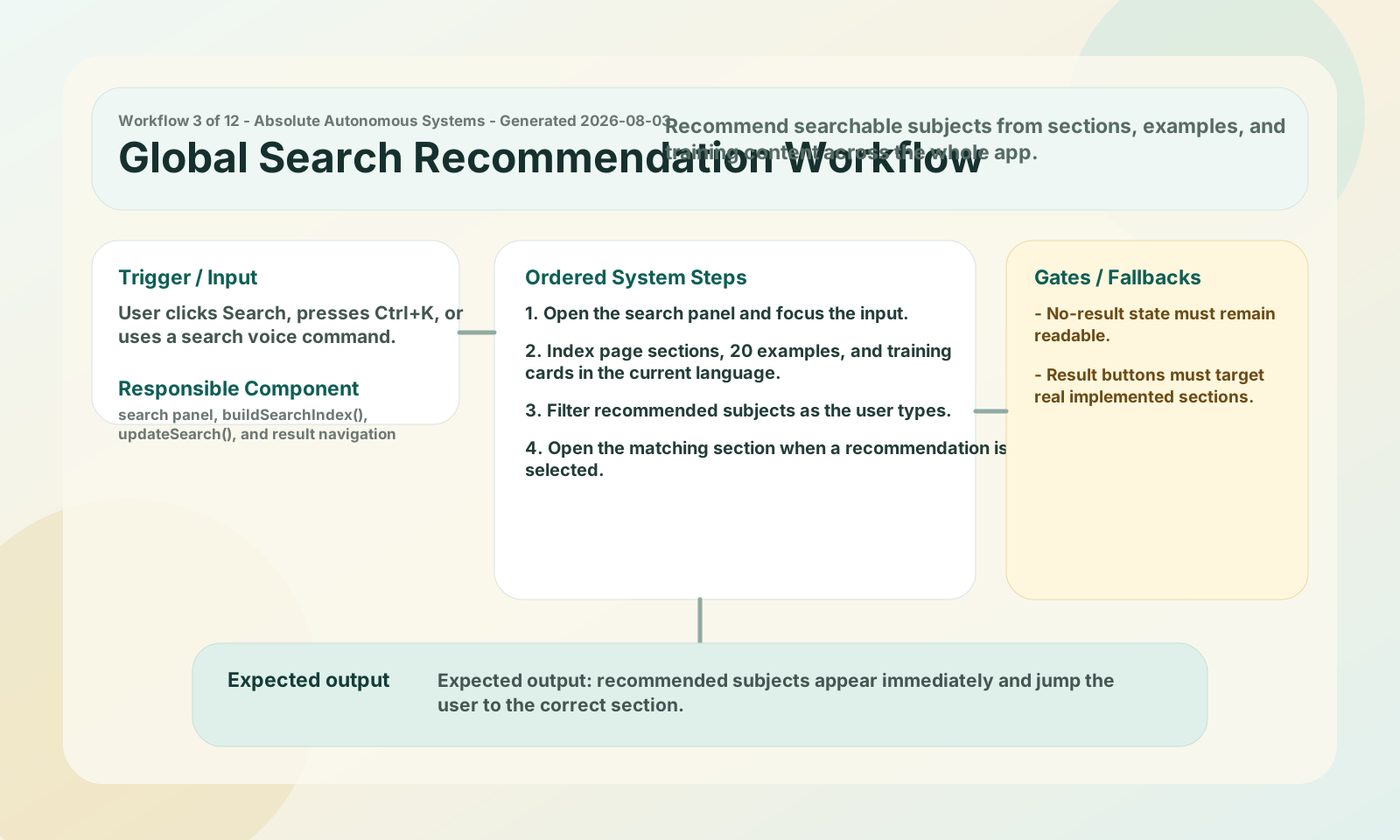
User clicks Search, presses Ctrl+K, or uses a search voice command.
search panel, buildSearchIndex(), updateSearch(), and result navigation handlers.
Expected output: recommended subjects appear immediately and jump the user to the correct section.
Let a supported browser navigate, search, read, change workflow state, and start video command mode using speech.
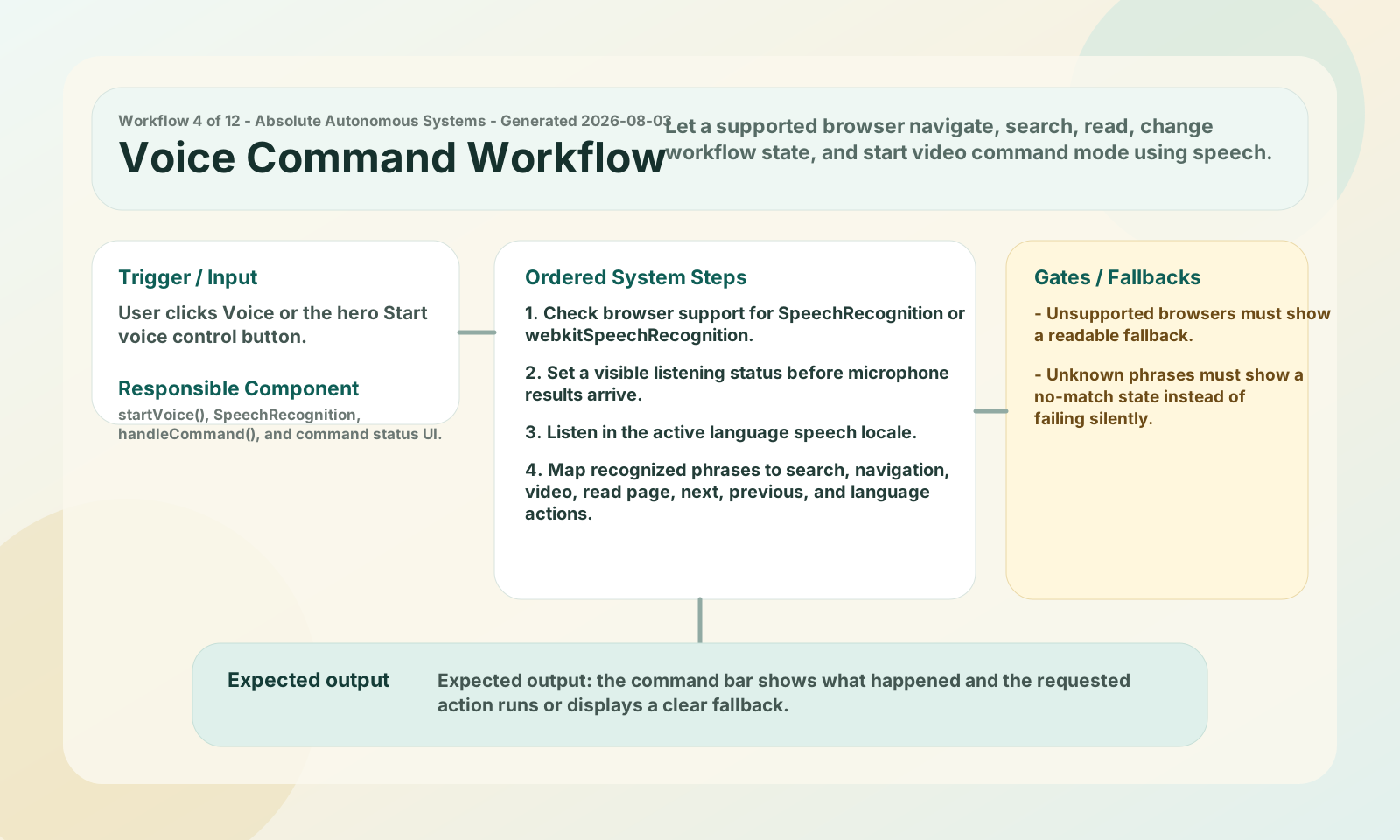
User clicks Voice or the hero Start voice control button.
startVoice(), SpeechRecognition, handleCommand(), and command status UI.
Expected output: the command bar shows what happened and the requested action runs or displays a clear fallback.
Use camera motion to move between sections or open search without using the keyboard.
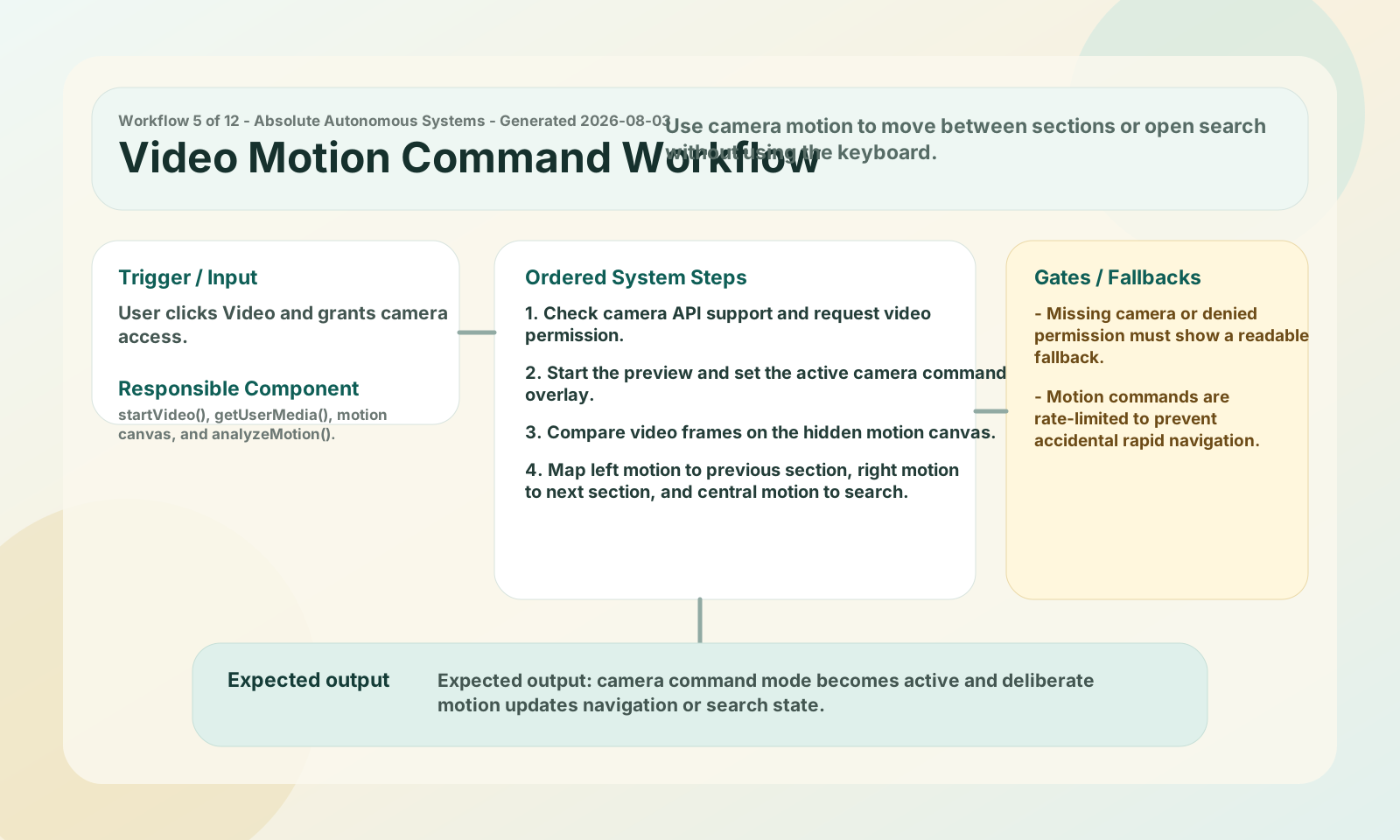
User clicks Video and grants camera access.
startVideo(), getUserMedia(), motion canvas, and analyzeMotion().
Expected output: camera command mode becomes active and deliberate motion updates navigation or search state.
Show automated accountability without requiring the user to manually trigger every follow-up.
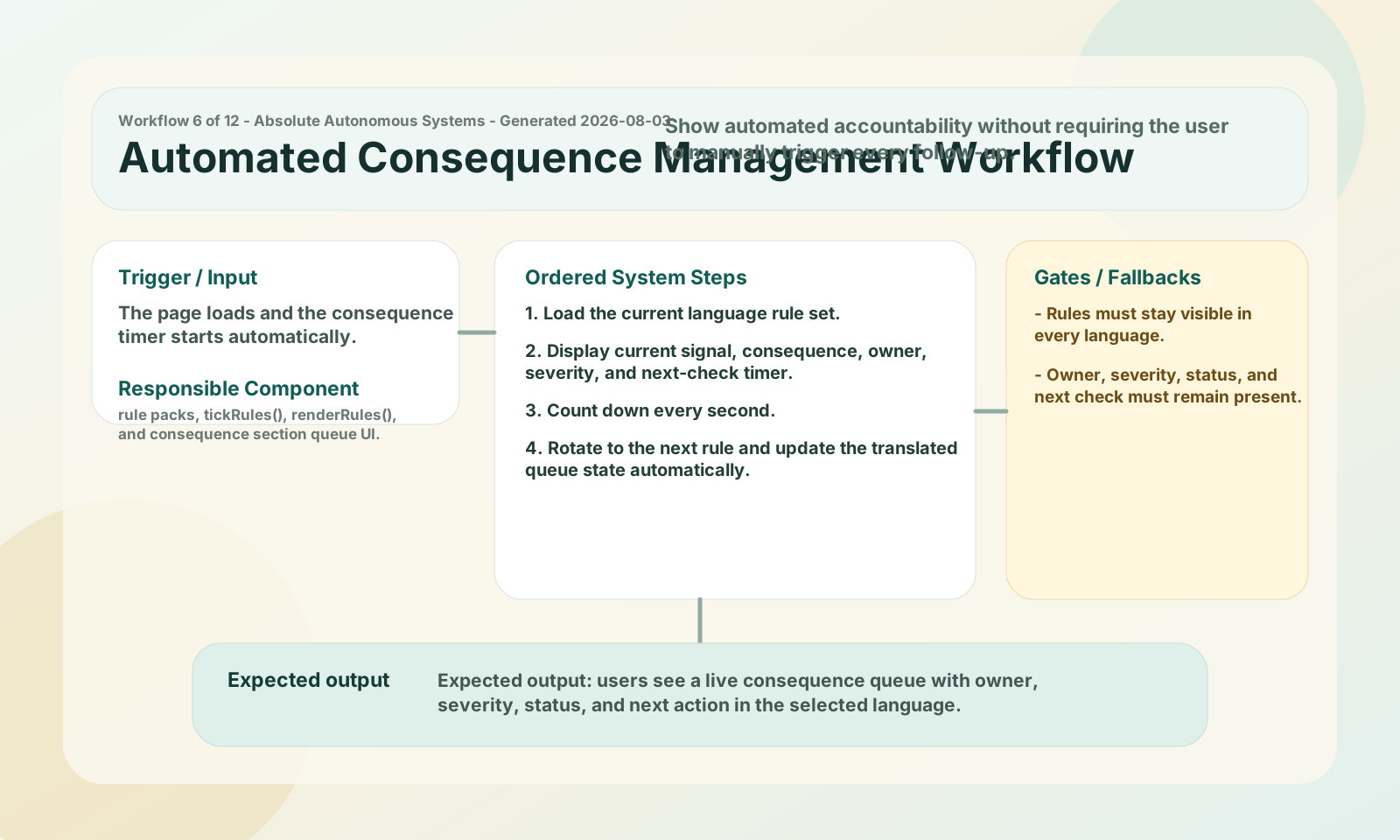
The page loads and the consequence timer starts automatically.
rule packs, tickRules(), renderRules(), and consequence section queue UI.
Expected output: users see a live consequence queue with owner, severity, status, and next action in the selected language.
Give prospective users realistic scenarios that make the system value concrete.
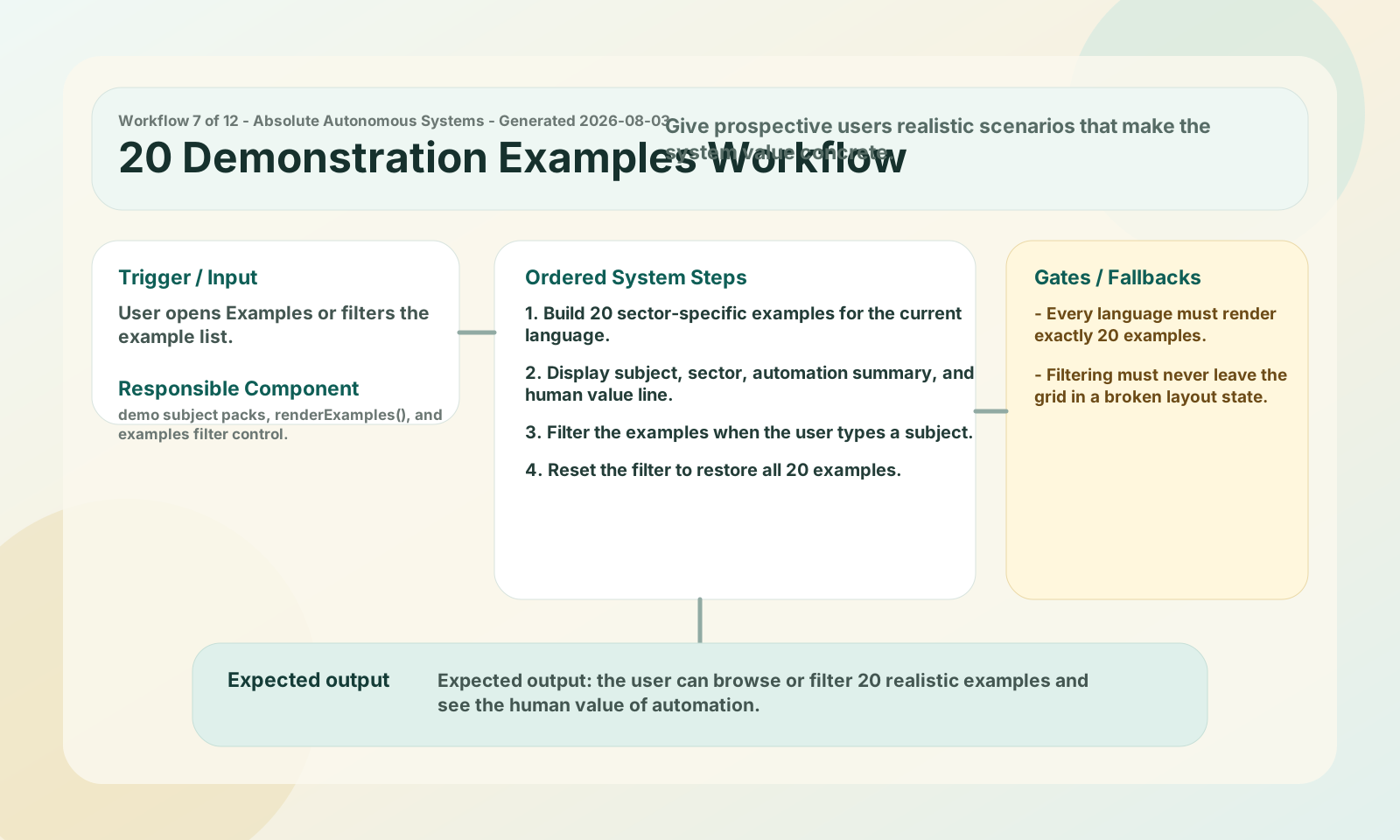
User opens Examples or filters the example list.
demo subject packs, renderExamples(), and examples filter control.
Expected output: the user can browse or filter 20 realistic examples and see the human value of automation.
Teach users how to use language settings, search, voice, video, consequence management, and contact flows.
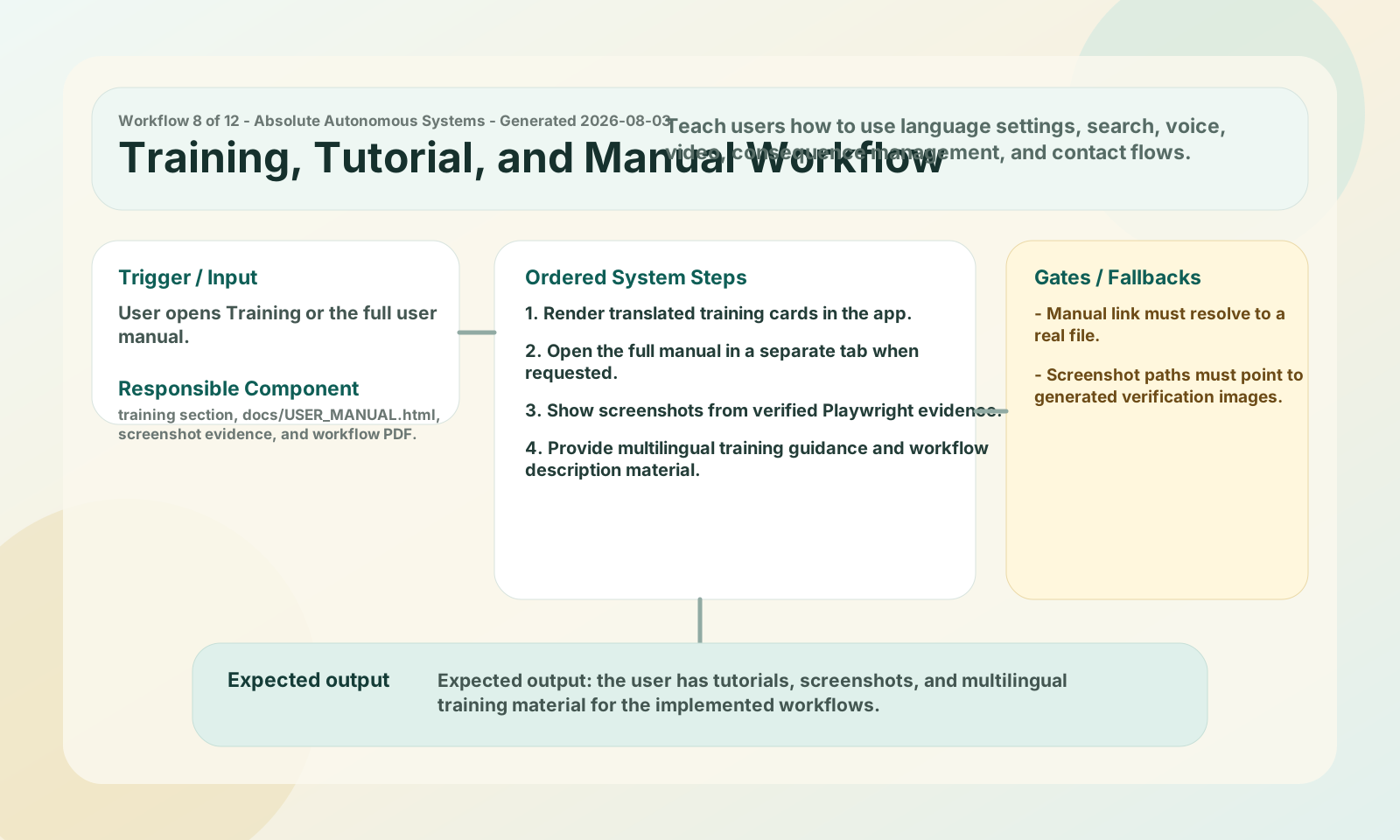
User opens Training or the full user manual.
training section, docs/USER_MANUAL.html, screenshot evidence, and workflow PDF.
Expected output: the user has tutorials, screenshots, and multilingual training material for the implemented workflows.
Give users quick command phrases for search, examples, language switching, video, and reading the page.
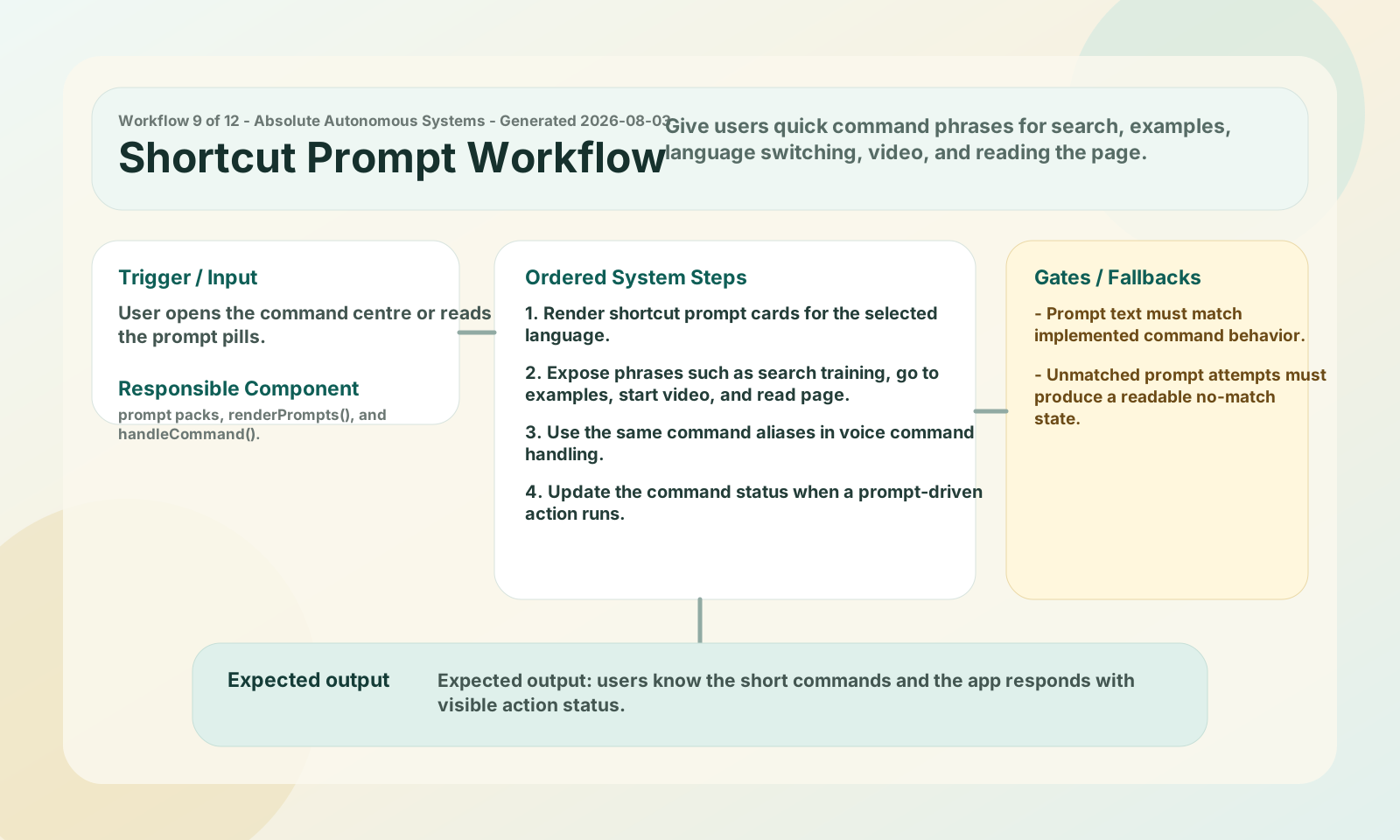
User opens the command centre or reads the prompt pills.
prompt packs, renderPrompts(), and handleCommand().
Expected output: users know the short commands and the app responds with visible action status.
Capture a valid local request and give the user immediate confirmation without a backend dependency.
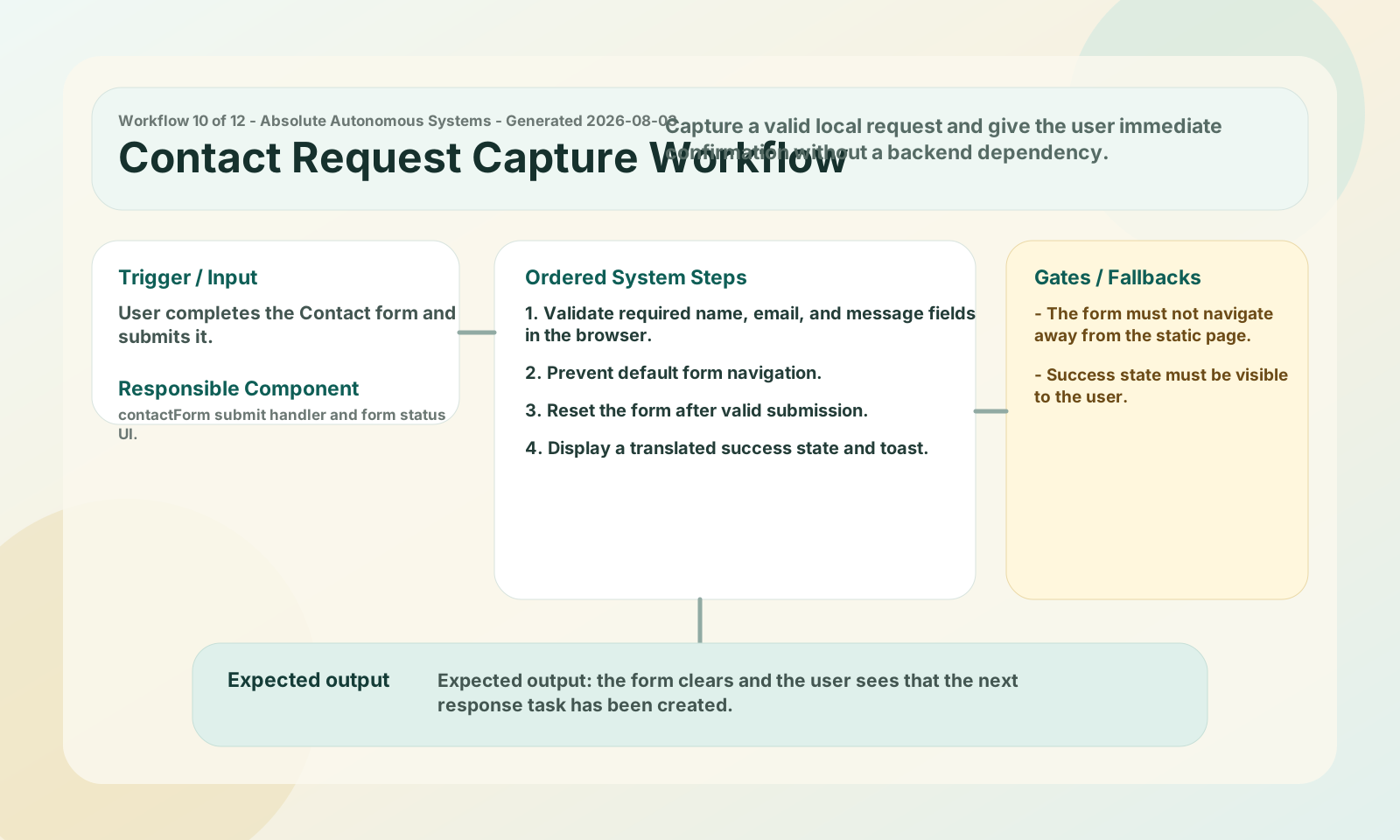
User completes the Contact form and submits it.
contactForm submit handler and form status UI.
Expected output: the form clears and the user sees that the next response task has been created.
Keep the app usable on narrow screens without clipping or hidden workflows.
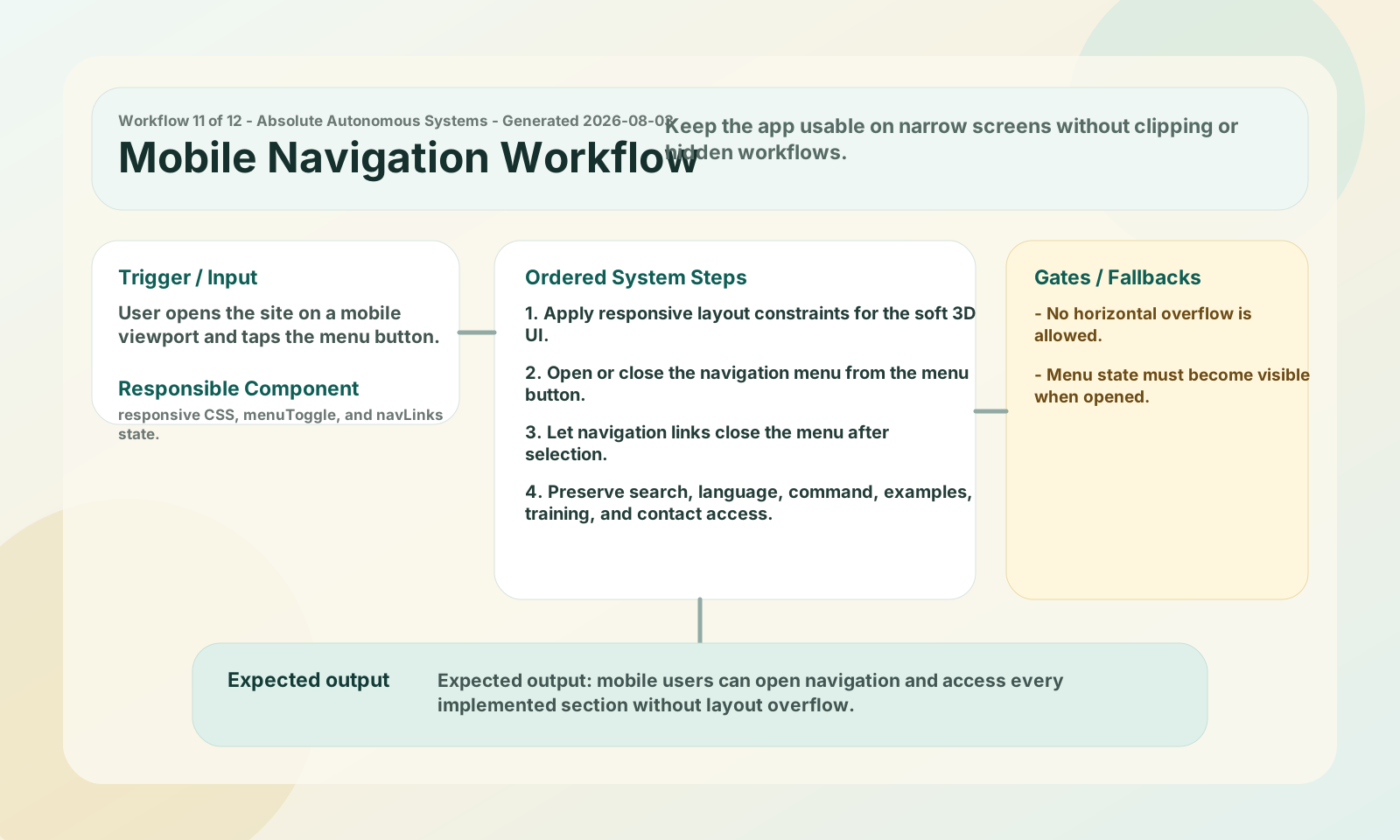
User opens the site on a mobile viewport and taps the menu button.
responsive CSS, menuToggle, and navLinks state.
Expected output: mobile users can open navigation and access every implemented section without layout overflow.
Prove that the site, endpoints, workflows, screenshots, defects, and repair records are ready for handover.
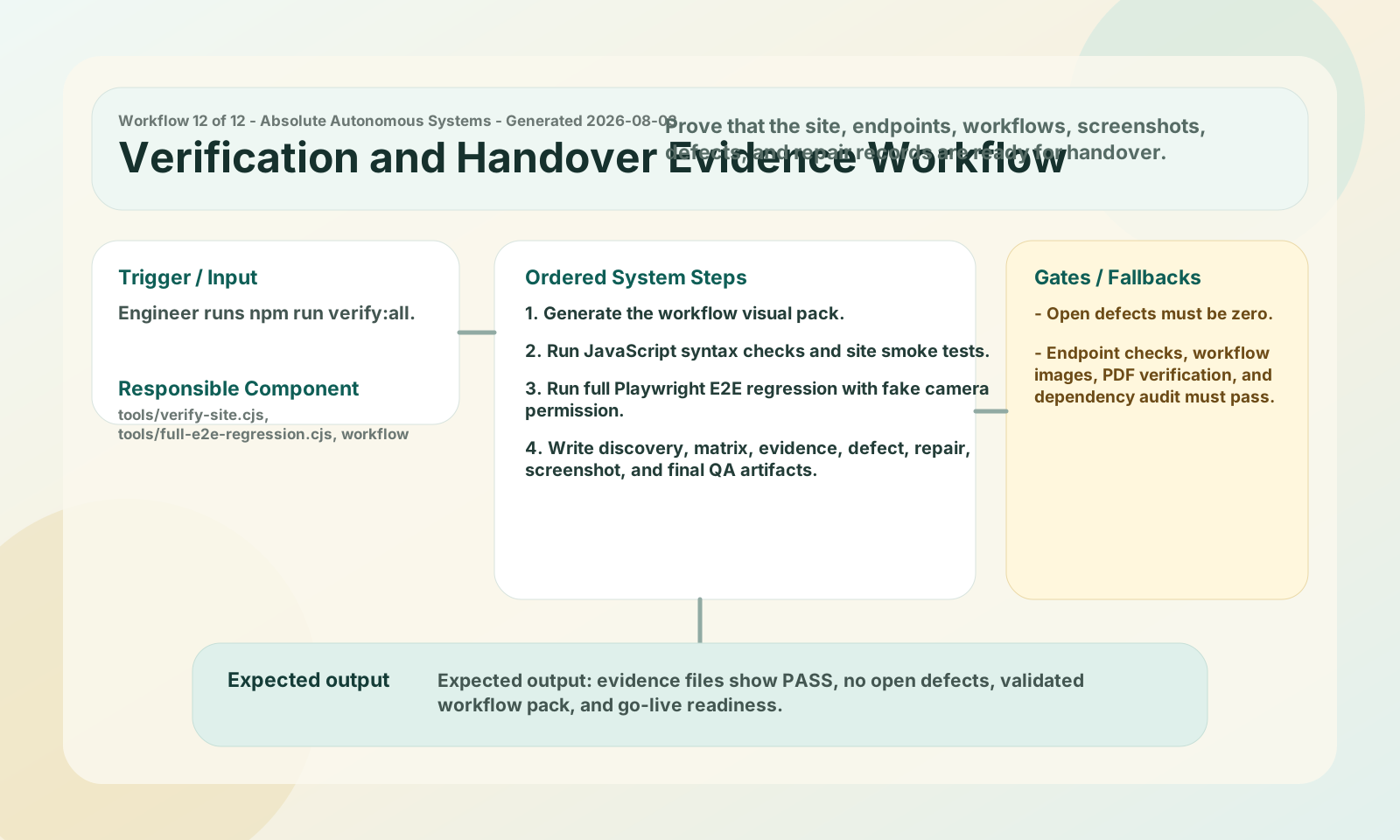
Engineer runs npm run verify:all.
tools/verify-site.cjs, tools/full-e2e-regression.cjs, workflow generator, and output/evidence.
Expected output: evidence files show PASS, no open defects, validated workflow pack, and go-live readiness.